The Basics
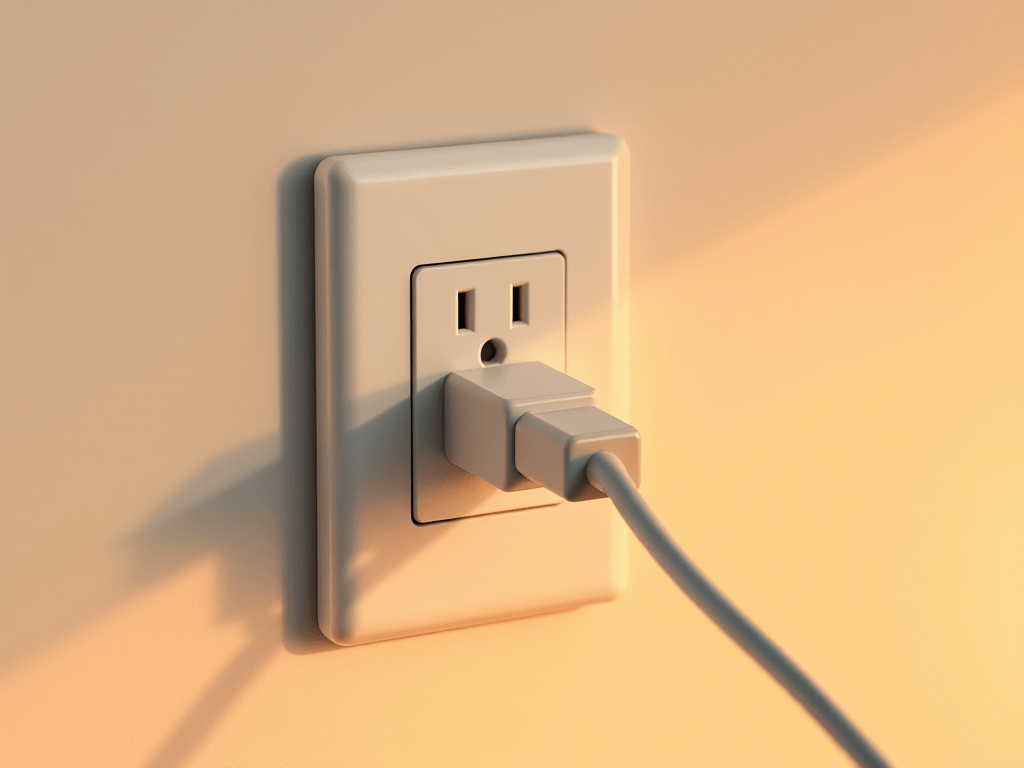
A Smart Plug uses simple programming to determine when an outlet will or won’t give power to a device that is plugged into it. If your smart plug isn’t on, it’s like plugging your appliance into an outlet with a blown fuse: it won’t work.
There are a lot of situations where plugging an appliance into a smart plug will just make using your appliances more complicated than it needs to be. For example: what would happen if you plugged your dishwasher into a smart plug-connected outlet? You couldn’t run it unless you remembered to turn on the smart plug first. Remembering to do the dishes is hard enough; adding an extra step to the process isn’t worth the pennies in energy savings.
However…what if you could plug your Christmas lights into a smart plug? Or your curling iron?
Here’s a simple test to help you decide whether a device might be able to be controlled by a smart plug:
- Turn on your device.
- Unplug it. Don’t turn it off first; just unplug it.
- Plug the device back in and examine it. Is the device fully usable? Or do you have to do something like reset a clock or push a button to turn the device on again?
If you can comfortably and confidently use the device in question by just unplugging it and plugging it back in again, then congratulations! All you need to make this device “smart” is a smart plug and a little bit of automation programming.
Some ideas to get you started:
- A “smart” coffee maker is ridiculously expensive. Even a coffee maker with a clock that allows you to start your coffee at a set time every day might cost more than you want to spend. But a ‘plain’ coffee maker with a simple on/off switch? Those guys are cheap. You might even convince someone to give you their coffee maker for free when they’re updating to the latest and greatest “smart” coffee maker. Plug that dumb coffee maker into a smart plug and it will be a lot smarter than a lot of coffee makers out there — for a lot less.
- Waffle Maker
- Sandwich maker / Panini press
- Electric Kettle — This is a great way to pre-boil water for quickly cooking things like tea or pasta without having to worry about babysitting an active burner on the stove.
- (basically any other appliance that turns on as soon as you plug it in)
- Slow cooker (NOTE: This is best for those less expensive slow cooker models that turn on with a manual knob. If your slow cooker has a command screen with digital settings chances are a smart plug won’t help you all that much.)
- Blender / Food Processor — this is actually a solid hack for parents. If you want to keep your blender or food processor plugged in but you’re worried about your young kids turning them on as soon as your back is turned, plugging them into a smart plug will keep the power off when you’re not actively using them.
- Lighting — A lot of the lights we have in our house are not smart. Christmas lights rarely have independent smart controls and reaching around your tree to plug/unplug your lights is a pain. Same with a lot of table lamps, floor lamps, etc. Smart plugs will give you the smart (and especially remote) control that we would have a hard time setting up without them.
- Night Lights — This would allow you to turn the light off at sunrise and turn it on at sunset.
- Room Comfort Devices — Appliances like air purifiers, humidifiers, dehumidifiers, fans and space heaters are devices that we don’t always like to leave running if we’re not actually in the room to enjoy the results of their work. Plugging these appliances into smart plugs can give you more control over when you use these devices without making extra work.
- Clothes iron / steamer — Why is the default moment of morning panic framed as “Did I leave the iron on?” Mostly it’s because if you leave the iron on it can be an awful safety hazard. At the same time — if we’re rushed in the morning, something like turning the iron off is a small movement that’s easy to overlook in a panic. A smart plug is a great way to warm up a clothes iron or steamer while you’re doing other things and turn the device off once you’re done using it.
- Water pumps — If you have a pool or other water feature, you know that running the filter/pump on a regular basis is extremely important to keep the water from developing algae blooms or attracting pests like mosquitoes. A smart plug can give you control over these devices without having to worry about going outside to plug them in to start them and unplug them to turn them off. NOTE: You will want to purchase smart plugs that are rated for outdoor use if you’re going to use them outside. Indoor smart plugs are not designed to be left out in a water-intense environment like a rainstorm. If you want to plug a device into a smart plug and leave it outside exposed to the elements, then it needs to be designed to be safely left in those conditions.
- Charging Station — (This is the one I’m going to implement in my home after learning about it to write this post.) A lot of us like to leave phones and other rechargeable devices plugged in even when they’re fully charged. Why? because we want to just be able to grab our device and go, confident that the device in question will be ready to use when we need it.
Unfortunately, many devices are actually damaged by leaving them on a charger that is feeding them power after their batteries are fully charged. At best, the battery will lose “conditioning health” and the battery will lose charge quickly when it’s in use. (I’m having this problem with my Ember mugs.) At worst lithium ion batteries are susceptible to a condition called thermal runaway which can cause a damaged lithium ion battery to burst into flames if it’s left on a charger after being fully charged. A smart plug can help you control the power flow to these devices and shut it off once the device is fully charged. At best, it will save you some money. At worst, it might end up saving you a lot more.
So what do you think? Did you find a new way to use a smart plug that you didn’t think of before this? Or do you have a great trick for using smart plugs that I didn’t mention here? Let’s discuss in the comments below.

 Virtual Homemaker
Leave a comment